Set a Volume Limit and Hearing Alerts on Your Phone Before Long Earphone Sessions
Key Takeaway
Before long listening sessions, set a maximum volume and hearing alerts on your phone. On iPhone it is under Headphone Safety, and on Galaxy it is the media volume limit.
Why set up hearing protection separately?
The WHO fact sheet says more than 1 billion young adults are at risk of permanent, avoidable hearing loss because of unsafe listening practices.
Uneven loudness between tracks is covered in our volume normalization guide. This guide covers the phone's own ceiling and alerts instead of app settings. Checked on October 27, 2026.
Where does iPhone reduce loud sound?
Open Settings, tap Sounds & Haptics, scroll down, and tap Headphone Safety. There you can turn Headphone Notifications on or off, then turn on Reduce Loud Audio and drag the slider to the level you want. The feature analyzes headphone audio and lowers sound that goes above that level.
If a family member uses Screen Time, you can lock the Reduce Loud Sounds level under Settings > Screen Time > Content & Privacy Restrictions. To see the current level, add the Hearing icon to Control Center and read the headphone level meter.
When does a headphone alert fire?
Apple's example is 40 total hours of exposure to sound at 80 dB or louder within the past 7 days. When headphone use goes past 100% of the 7-day limit, you get an alert on iPhone, iPad, or Apple Watch. After the alert, the next time you plug in headphones or connect them over Bluetooth, the volume is set lower automatically, and you can raise it again if you want.
You can open alert history in the Health app: Browse tab > Hearing > Headphone Notifications. In some countries and regions, headphone notifications cannot be turned off because of regulations and safety standards.
How is the Galaxy media volume limit different?
Samsung's support document says the media volume limiter keeps the volume from rising above a set level to protect your ears. On the volume screen under Settings > Sounds and vibration > Volume, open the More options menu and choose Media volume limit, then use the switch at the top to turn it on or off. Menu names can differ slightly by device and One UI version.
The limit applies only when you use headphones or Bluetooth speakers. While it is on, a volume limit reached pop-up appears each time the volume hits the limit.
| Item | iPhone | Galaxy |
|---|---|---|
| Feature name | Reduce Loud Audio, Headphone Notifications | Media volume limit |
| Where to find it | Settings > Sounds & Haptics > Headphone Safety | Settings > Sounds and vibration > Volume > More options |
| How it works | Lowers sound above the set level and alerts on cumulative exposure | Stops volume from rising above the set limit |
| Scope | Headphone audio | Headphones and Bluetooth speakers |
Does my earphone show its loudness accurately?
Apple's document says headphone audio measurements are most accurate with Apple or Beats headphones. Audio played through other headphones is estimated from the iPhone volume. If you use another brand, treat the displayed level as a reference rather than an exact measurement.
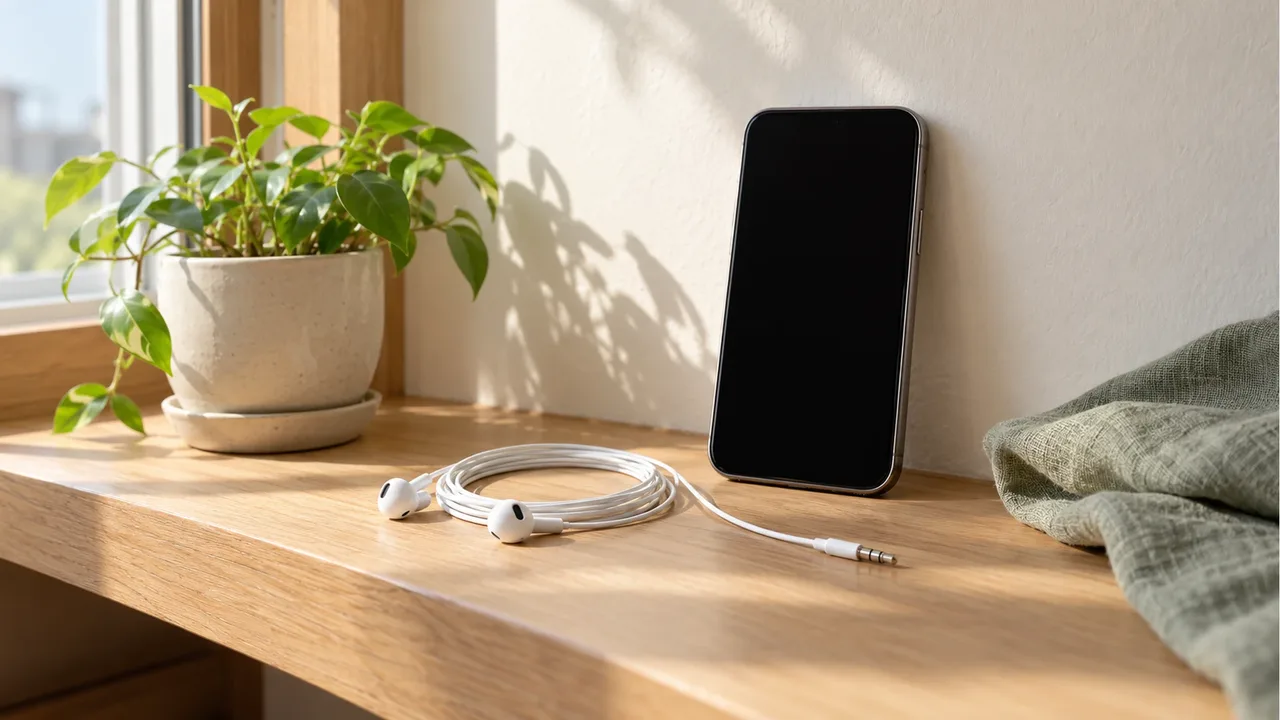
The EarPods below are wired earphones chosen to match your phone's connector. If a newly plugged-in pair suddenly sounds loud, lower the volume before you play the first track and raise it from there. Connector types are covered further in our USB-C adapter check guide.
Product information
Candidates compared
-
Apple EarPods (USB-C, MYQY3ZP/A)
-
Apple EarPods (3.5mm Headphone Plug, MWU53FE/A)
Product information is as of the date checked.
Frequently Asked Questions
Does a volume limit change sound quality?
A volume limit only sets the maximum loudness. On iPhone, Reduce Loud Audio lowers sound that goes above the level you set, and on Galaxy, the media volume limit stops the volume from rising above the limit.
Does the limit apply when I play music through the phone speaker?
Samsung's document says the limit applies only when you use headphones or Bluetooth speakers. Apple's setting is based on headphone audio as well, so speaker playback is not covered.
Do headphone alerts count phone calls?
No. According to Apple's document, the 7-day exposure limit applies only to media audio, and phone calls do not count toward headphone audio exposure.
Sources & Verification Date
- Headphone notifications on iPhone, iPad, or Apple Watch · Verified
- Check your headphone audio levels on iPhone · Verified
- Samsung phone or tablet displays volume limit reached message · Verified
- Deafness and hearing loss - WHO fact sheet · Verified
All materials have been verified from official announcements and may have changed since verification.