Check supported audio formats and earphone settings before enabling Spatial Audio
Key Takeaway
Before enabling Spatial Audio on your smartphone, check your audio format and earphone settings first. Delivery method and surround rendering depend on your device connection and playback options.
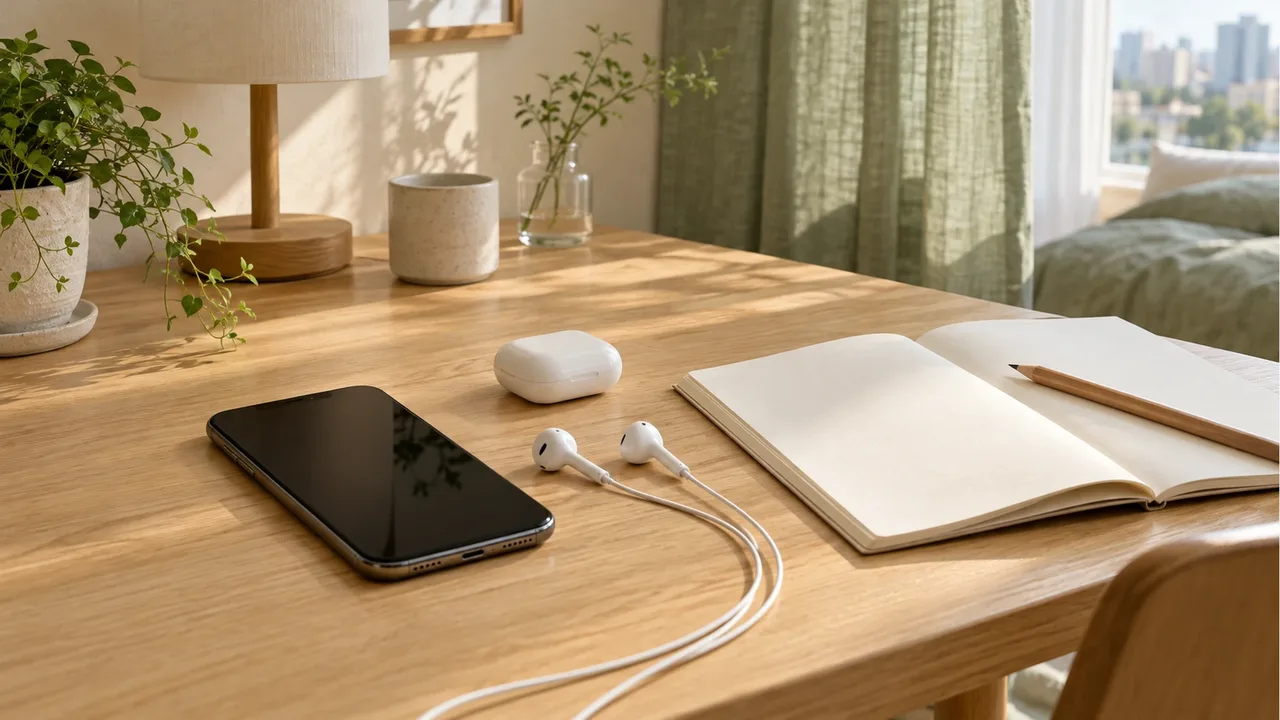
How does Spatial Audio differ from standard stereo?
Traditional stereo audio mixes sound across two channels (left and right). Because instruments and vocals are arranged along a flat horizontal plane, listeners cannot easily distinguish sounds originating from above, below, or behind them.
In contrast, Dolby Atmos-based Spatial Audio is an object-based audio format that places sound elements at specific coordinates within a three-dimensional virtual space. When listening through earphones, binaural rendering using head-related transfer functions (HRTF) simulates height and surround cues across just two headphone drivers. Information verified on October 26, 2026.
| Format | Audio Signal Structure | Virtualization Method | Acoustic Characteristics |
|---|---|---|---|
| Standard Stereo | Fixed 2-channel left/right | Panpot stereo positioning | Flat soundstage focused on lateral width |
| Dolby Atmos Spatial Audio | 3D object-based coordinates | Binaural HRTF virtualization | Expanded vertical depth, surround separation |
What settings are required to enable Spatial Audio on wired earphones?
According to Apple Support documentation, the default Dolby Atmos setting in Apple Music is 'Automatic'. Automatic mode activates Spatial Audio only when certified wireless devices such as AirPods are connected, defaulting to standard stereo when wired headphones are plugged in.
To hear the dedicated Dolby Atmos mix through 3.5mm or USB-C wired earphones, you need to change the Dolby Atmos setting from 'Automatic' to 'Always On'. On Samsung Galaxy smartphones, navigate to Settings > Sounds and vibration > Sound quality and effects to toggle Dolby Atmos on for connected headphones. Check the audio settings menu on your device in advance.
What is the difference between fixed Spatial Audio and head tracking?
Spatial Audio generally offers two playback modes: Fixed and Head Tracking (dynamic spatial audio). In Fixed mode, the virtual soundstage remains anchored relative to your ears, moving naturally as you turn your head. This mode provides consistent acoustic balance ideal for music listening.
Head Tracking uses motion sensors and gyroscopes inside wireless earbuds to monitor your head orientation in real time. If you turn your head to the left, vocals appear to come from your right, where your playback screen is located. This feature requires compatible sensor-equipped wireless earbuds, whereas standard wired earphones are best enjoyed using the stable Fixed mode.
Why does volume decrease when playing Spatial Audio?
When you play a Dolby Atmos track, the overall output may sound slightly quieter than an equivalent stereo mix. This happens because sound engineers configure wider dynamic headroom to prevent clipping and distortion while arranging complex multi-channel elements across a 3D soundstage.
If the volume feels low, enable volume normalization (Sound Check or Audio Normalization) in your streaming app, or increase your smartphone volume output by one or two notches. This reflects the expanded dynamic range of the master recording rather than an equipment defect.
For basic lossless audio formats and Bluetooth transmission requirements, continue reading our lossless audio settings guide. Coordinate your download preferences with your wired audio gear.
Product information
Candidates compared
-
Apple EarPods (USB-C, MYQY3ZP/A)
-
Apple EarPods (3.5mm Headphone Plug, MWU53FE/A)
Product information is as of the date checked.
Frequently Asked Questions
Can I listen to Dolby Atmos Spatial Audio with standard wired earphones?
Yes. According to Apple Support documentation, when using standard wired headphones or earphones, you must set Dolby Atmos to 'Always On' instead of 'Automatic' in the Music app settings to receive the spatial mix.
Does dynamic head tracking work with every pair of earphones?
No. Dynamic head tracking requires built-in gyroscopes and motion accelerometers found in compatible wireless devices. Standard wired earphones deliver a fixed, stable spatial audio field without direction shifts.
Why does Spatial Audio sound quieter than regular stereo tracks?
Dolby Atmos mixing reserves greater dynamic headroom to prevent distortion while positioning multi-channel elements across a 3D soundstage. This volume difference reflects mastering headroom rather than hardware malfunction.
Sources & Verification Date
- About Spatial Audio with Dolby Atmos in Apple Music · Verified
- Control Spatial Audio and head tracking on iPhone and iPad · Verified
- How to configure Dolby Atmos audio effects on Samsung Galaxy devices · Verified
- Dolby Professional Music guidelines and binaural rendering standards · Verified
All materials have been verified from official announcements and may have changed since verification.