How to Adjust Audio Balance and Mono Audio When Earphones Sound Uneven
Key Takeaway
One ear quieter than the other? Check your phone's audio balance settings before you decide the earphones are broken. The built-in balance slider and the mono audio option can help you get back to comfortable listening.
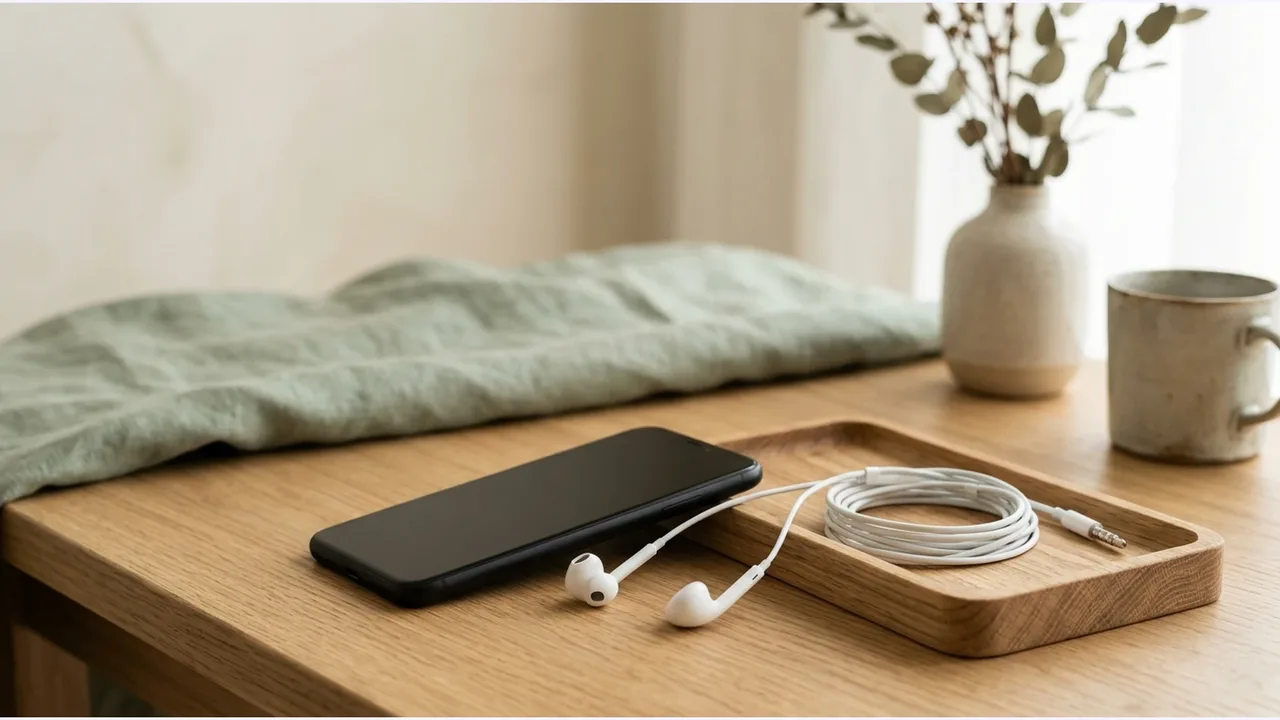
What Are the Differences Between Audio Balance and Mono Audio?
Stereo recordings put different instruments and vocals on the left and right channels. That gives music a wide soundstage. It also means that if you hear differently in each ear, or wear just one earbud to stay aware of your surroundings, you can easily miss important musical parts.
Mono audio merges both channels into one and sends the same signal to each earbud. Spatial depth goes away. In return, you hear every instrument and vocal whichever earbud you use.
Audio balance uses a slider to set the volume ratio between the left and right earbuds. If one ear needs more volume, or your earphones differ slightly in sound, moving the slider off-center can bring the center image back.
Where Can You Adjust the Balance on iPhone?
Apple's official user guides put audio balance and mono audio in iOS under the Accessibility settings.
- Open the Settings app on your iPhone and tap Accessibility.
- Under Hearing, choose Audio & Visual.
- Flip on Mono Audio if you want both earbuds to play the same audio.
- Drag the Balance slider toward L (left) or R (right) until the volume levels match.
The slider starts centered at 0.00. Small moves make an audible difference, so go slowly and keep reference music playing while you adjust.
How Do You Configure These Settings on Android?
Android has the same features in its hearing accessibility menu. Menu names differ by manufacturer and OS version, but the path is easy to follow.
- Go to Settings and open Accessibility.
- Pick Hearing enhancements (or Audio adjustment).
- Turn on Mono audio to combine the left and right channels.
- Move the Left/right sound balance slider until it feels comfortable to you.
On some models, Samsung Galaxy phones for example, you can set the balance for connected earphones separately from the phone's built-in speakers.
Should You Inspect Your Earphone Hardware First?
I'd look at the earphones themselves before touching any settings.
Earwax or dust can build up on the acoustic mesh in the nozzle and block the sound. Clearing it gently with a soft brush or an alcohol swab often brings the volume back right away.
Plug the earphones into another phone or computer and see whether the imbalance follows them. If the volume is still uneven on other devices, internal wiring damage or driver degradation is the likely cause.
The World Health Organization warns that millions of people worldwide are at risk of hearing loss from unsafe listening habits. So if audio stays weak in one ear on every device, or you have tinnitus, I'd strongly suggest seeing an audiologist or ENT specialist. Don't just turn the volume up.
Product information
Candidates compared
-
Apple EarPods with USB-C Connector (MYQY3ZP/A)
-
Apple EarPods with 3.5mm Headphone Plug (MWU53FE/A)
Product information is as of the date checked.
Frequently Asked Questions
Does mono audio turn off spatial audio and stereo effects?
Yes. Mono audio folds the left and right channels into one stream and plays it through both earbuds equally. You lose stereo separation and spatial effects. But you hear every instrument and vocal track, which helps if you use one earbud or hear differently in each ear.
What if one earbud stays quiet after you adjust the balance?
If the balance slider doesn't fix it, debris or earwax may be blocking the acoustic mesh, or the eartip may not be sealing well. Try the earphones on another device to help tell whether the phone or the earphone hardware is the problem.
Does the balance setting also affect phone speakers?
It depends on the OS. Per official documentation, iOS stereo balance applies to connected headphones and external stereo speakers. Some Android devices, such as Samsung Galaxy, have separate balance controls for built-in speakers and connected earphones.
Sources & Verification Date
- Adjust audio settings on iPhone · Verified
- Explore hearing accessibility features on Google devices · Verified
- Deafness and hearing loss - WHO fact sheet · Verified
All materials have been verified from official announcements and may have changed since verification.